When a person without publishing rights edits a page:
- The user will edit and save as normal (note they will not have the publish button up top-only preview.)
- Next, they will go back to the list of pages in the CMS and put a check mark next to the modified pages they would like to have approved and at the bottom select to the option to “Request Approval”
- They will then select if they want the reviewer to Publish ASAP or publish based on the schedule they submit. There is also a notes area to place a description of the change if desired.
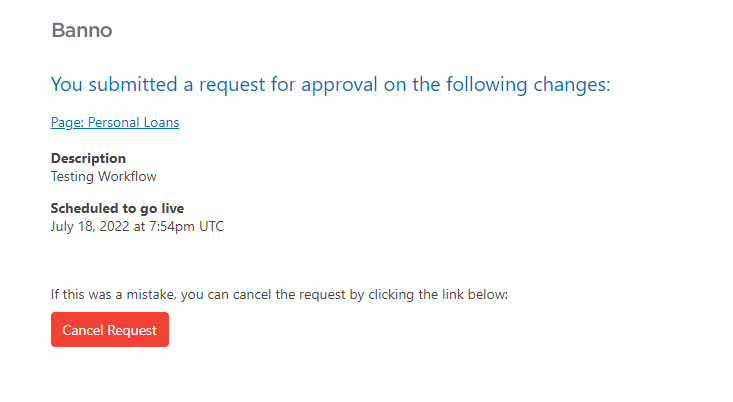
- A confirmation email is sent to the submitter to show what pages they requested approval on and also gives them the chance to cancel the request for approval if needed.
The Approver:
- An email is sent to the “approver” - Example:
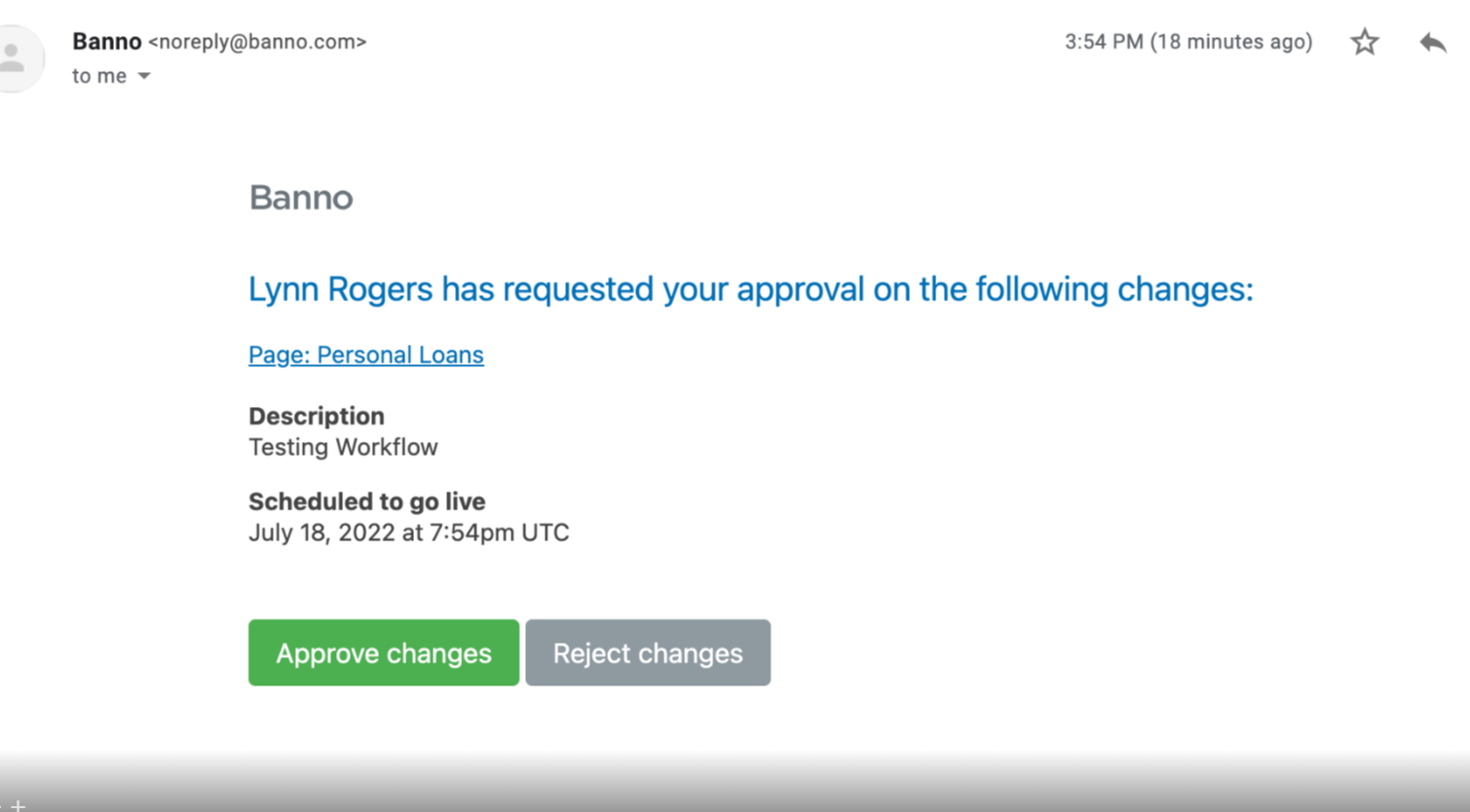
- The approver MUST preview the page by clicking on the link via the email and they must also Approve Changes by clicking the button within the email. (if they go to the CMS and publish - it will remain in the pending status)
- Once they hit the Approve Changes button from the email it will publish the page automatically based on either the “publish ASAP” or the schedule publish that the submitter selected.
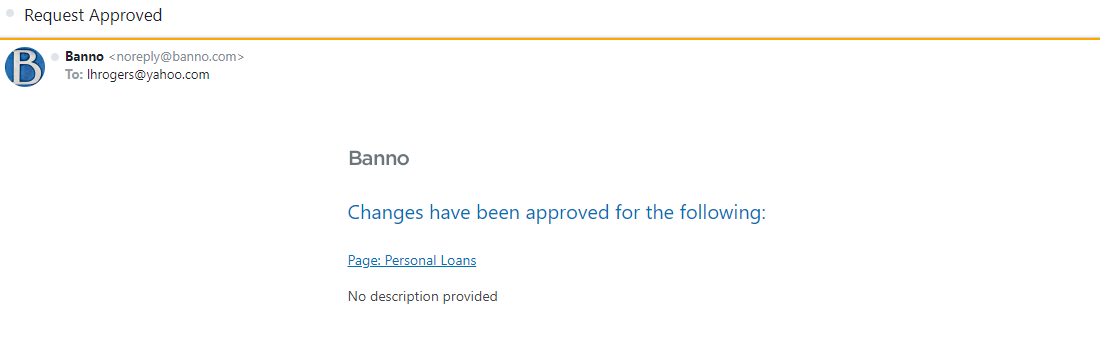
- An email will be sent back to the submitter to let them know the changes have been approved: