Application Pipeline
The Application Pipeline is configured per a Jenkinsfile in the project repository.
Projects have a Jenkinsfile in their Github repo which identifies the pipeline for that particular project. For example the abilities-api project uses the bannoScalaPipeline.
The pipelines available to Jenkins to run are defined in the jenkins-shared-pipelines repo.
Automated Production Deploy Pipeline
This pipeline mostly automates the deployment from staging, uat, to production to either marathon or kubernetes.
To enable, set automatedProductionDeploy to true for the bannoEnvironmentsApplicationDeploy pipeline in project’s Jenkinsfile.
Stages
Each section in the jenkins job pipeline. See the docs for more info
Infra Guinea Pig
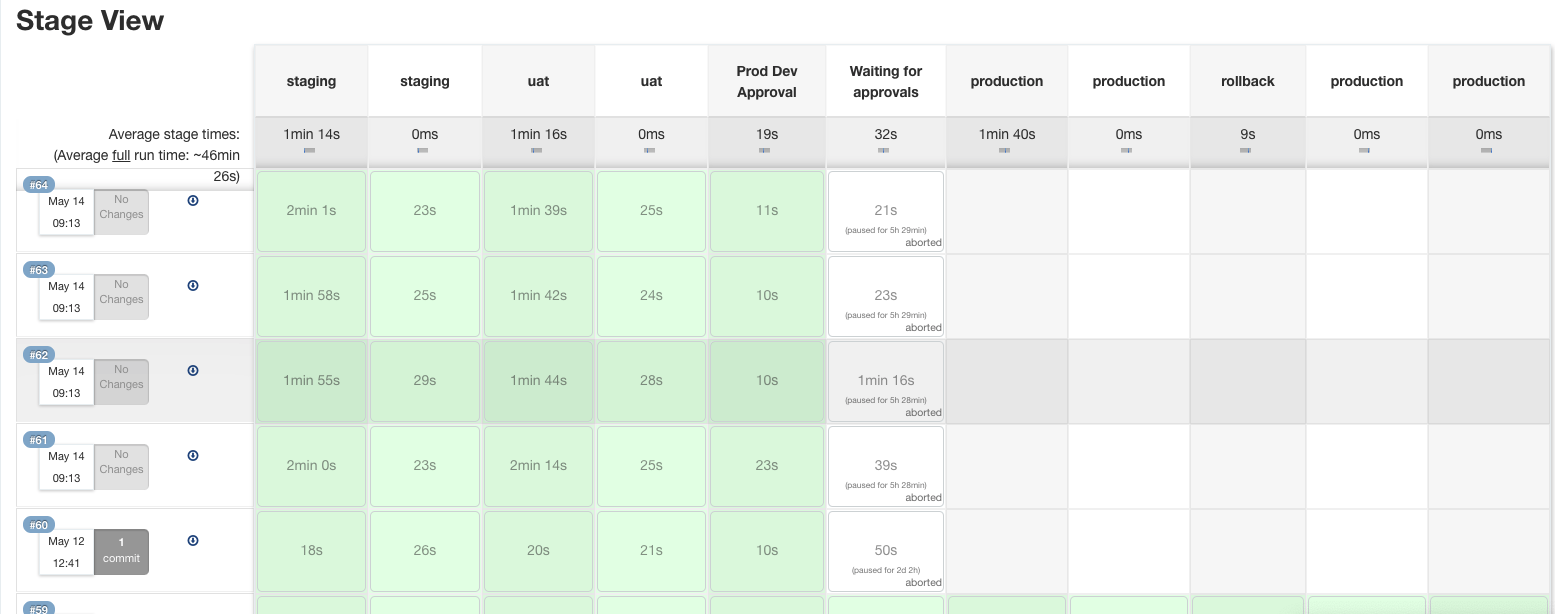
For a good test example of how to see how the pipeline works, check out the infra-guinea-pig project in Jenkins here. Under one of the repo branches, approval-tool f.e. the various stages of the pipeline are shown (staging, staging, uat, uat, Prod Dev Approval, Waiting for approvals, production, production, rollback, production, production).
Note: There are multiple staging, uat, and production stages because it is deploying to both marathon and kubernetes.
Production Dev Approval
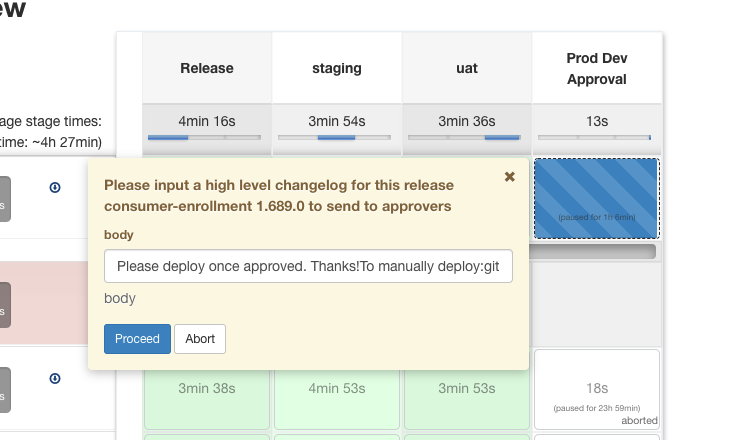
Release notes are sent out during this stage. Many projects require developer input to sent out the release notes but this part can be automated.
Note: To automate the “Production Dev Approval” stage and have approval emails automatically sent out, set askForProductionNotes to false in project’s Jenkinsfile.

Waiting for approvals
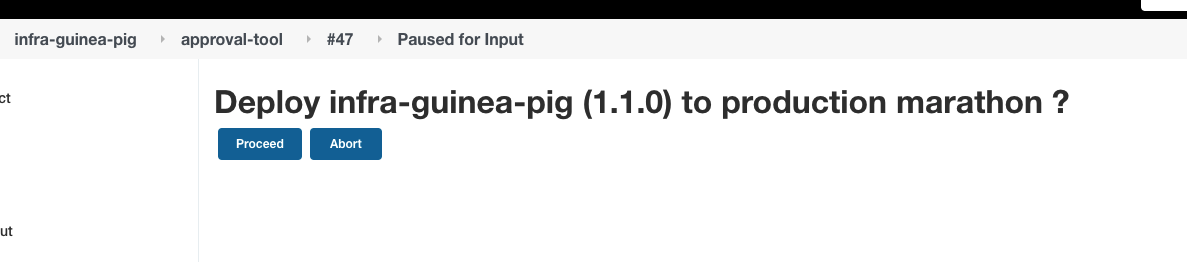
Approval checks are run on developer input in this stage. Once the two necessary approvals are received developers can run the check in Jenkins. These checks are re-runable.
Production
Confirmation is asked for in the slack channel defined in the Jenkinsfile for the actual deployment to begin. The link redirects to a Jenkins page to deploy. The deployment is made to either marathon production, marathon production-2, or kubernetes.

Rollback
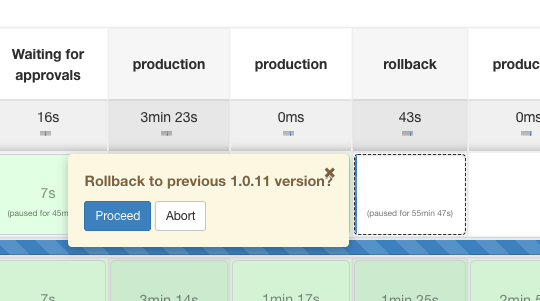
This stage is optional and expires after seven days. It repeats the “Production” stages with the version previously replaced.
Environment Pipeline
The environments repository is the desired state of our infrastructure. Each commit captures the changelog of each version change.